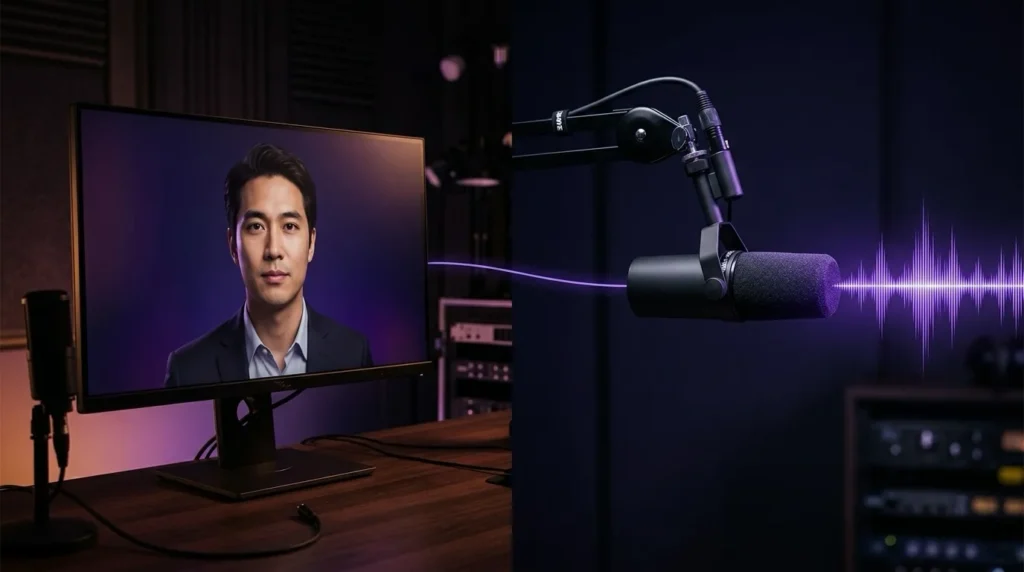
If you use HeyGen for AI video creation, you already know that voice quality makes or breaks the final result. HeyGen’s built-in voices are capable — but ElevenLabs produces some of the most natural-sounding AI voices available, and the good news is you don’t have to choose between the two platforms.
HeyGen supports direct integration with ElevenLabs, meaning you can use any ElevenLabs voice — including cloned voices — inside your HeyGen projects. This guide covers exactly how to set it up, where to use it, and what to watch out for.
What the Integration Actually Does
When you connect ElevenLabs to HeyGen, your ElevenLabs voices become available inside HeyGen’s voice selector — alongside HeyGen’s native voices. You can then assign an ElevenLabs voice to any avatar or video project, and HeyGen will use ElevenLabs to generate the audio for that scene.
This means:
- Access to ElevenLabs’ full voice library — over 10,000 voices across 70+ languages
- Your own cloned voice available inside HeyGen videos
- ElevenLabs’ expressiveness and naturalness applied to HeyGen avatar videos
- The ability to switch between voice providers per scene if needed
The integration works across three areas of HeyGen: AI Studio, Avatar Settings, and the Proofreading Tool.
What You Need Before You Start
- An active ElevenLabs account — a free account works to test, but a paid plan gives you access to more voices and higher quality output
- An active HeyGen account
- Your ElevenLabs API key — found in your ElevenLabs profile under API Keys
To get your ElevenLabs API key: log into ElevenLabs → click your profile icon → API Keys → Create API Key → copy it.
Get started with ElevenLabs → https://aivoicehub.app/go/elevenlabs
Get started with HeyGen → https://www.heygen.com/
How to Integrate ElevenLabs in HeyGen AI Studio
This is the most common workflow — setting up the integration while building a video in AI Studio.
Step 1: Log into HeyGen and hover over the Create button on the homepage. Select Create a Video → Create in AI Studio.
Step 2: Choose your avatar and enter your script.
Step 3: In the Script Panel, click on the current voice to open the voice settings.
Step 4: Click + New Voice.
Step 5: Select Integrate 3rd Party Voice → Import Voice.
Step 6: Choose ElevenLabs from the provider list.
Step 7: Paste your ElevenLabs API key into the field and click Confirm.
Your ElevenLabs voices will now appear in your voice list and can be selected for any scene in your project.
How to Integrate ElevenLabs in Avatar Settings
If you want to set a default ElevenLabs voice for a specific avatar rather than selecting it per project:
Step 1: Go to your avatar library and hover over the avatar you want to configure.
Step 2: Click the three dots (…) to open avatar options.
Step 3: Select Integrate 3rd Party Voice → Import Voice.
Step 4: Choose ElevenLabs, paste your API key, and confirm.
The ElevenLabs voice is now associated with that avatar by default.
How to Integrate ElevenLabs in the Proofreading Tool
For editing existing videos or fine-tuning voice assignments after initial generation:
Step 1: Open your video in the Proofreading Tool.
Step 2: Click the Track Box next to the Speaker box.
Step 3: Click Select Track Voices → + New Voice.
Step 4: Select Integrate 3rd Party Voice → Import Voice → ElevenLabs.
Step 5: Paste your API key and confirm.
Your ElevenLabs voices are now selectable within the proofreader for that project.
Using a Cloned Voice in HeyGen
One of the most powerful applications of this integration is using a voice you have cloned in ElevenLabs inside a HeyGen avatar video. This lets you create AI video content that sounds like you — without recording yourself on camera.
The workflow is:
- Clone your voice in ElevenLabs — takes a short audio sample
- Connect ElevenLabs to HeyGen using the steps above
- Select your cloned voice in HeyGen’s voice picker
- Choose a HeyGen avatar — or use HeyGen’s Avatar IV to animate a photo
- Generate the video
The result is an AI video that looks like a realistic avatar and sounds like your voice. Useful for YouTube content, course videos, social content, or any scenario where you want video output without appearing on camera yourself.
What to Watch Out For
Credits are separate. When HeyGen uses an ElevenLabs voice, it draws on your ElevenLabs credits — not your HeyGen credits. If your ElevenLabs account runs out of credits, your integrated voices will stop working in HeyGen. Make sure you have sufficient ElevenLabs credits for your planned output.
API key permissions. If you receive an “Invalid API key” error, check that your ElevenLabs API key has the necessary permissions enabled in your ElevenLabs account settings.
Voice engines. HeyGen uses ElevenLabs as the default voice engine for Custom Voices. You can switch voice engines per scene in AI Studio by clicking the current voice and selecting a different engine from the dropdown — useful for comparing output quality across providers.
Professional Voice Clones. You can switch voice engines for standard custom voices and most public voices, but not for Professional Voice Clones or voices already integrated from a third-party service.
Why This Combination Works
HeyGen and ElevenLabs solve different parts of the same problem. HeyGen handles the visual layer — avatar animation, lip sync, scene composition. ElevenLabs handles the audio layer — voice quality, expressiveness, multilingual output.
Together they cover the full production stack for AI video without requiring a camera, a recording studio, or a production team. For content creators, course builders, marketers, and anyone producing video at volume, this combination removes most of the traditional barriers to professional-quality output.
Getting Started
If you are not yet on either platform, both offer free tiers to test the workflow before committing to a paid plan.
Try ElevenLabs → https://aivoicehub.app/go/elevenlabs
Try HeyGen → https://www.heygen.com/